
SaleSystem / Medical spa software guide
Medical Spa Software: What to Look For
The best medical spa software is the one that helps your team do its daily work well. Use this guide to compare the tools that turn inquiries into appointments and keep clients coming back.
Start with the job you need the software to do
Are leads waiting for a reply? Is your front desk switching between tools? Are returning clients hard to keep track of? Start with the problem that costs your team the most time.
For calls, texts, lead follow-up and bookings, look at a med spa CRM. If you also need clinical charting or treatment records, include those requirements when comparing clinical systems. They are different jobs, even when vendors put them under the same broad label.
Write down the tasks your staff will use each day. A long feature list matters less than being able to complete those tasks without a workaround.
Seven things to compare in medical spa software
| What to compare | What to try or ask |
|---|---|
| Client records | Open a client and find their recent messages, notes and appointments. |
| Calls and messages | Read a conversation, reply and check what the next team member can see. |
| Lead follow-up | Assign the next action and find every lead still waiting for a reply. |
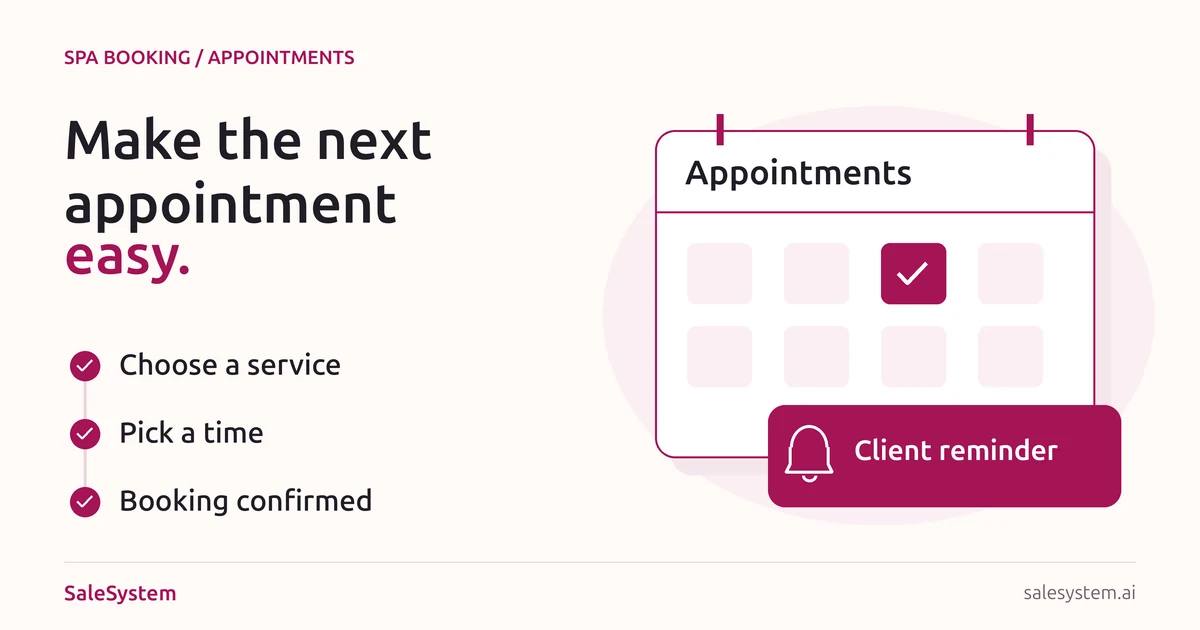
| Appointments | Book a visit, make a change and confirm how the client is notified. |
| Automation | Set up a follow-up message and a staff task. Check how your team takes over. |
| Payments and memberships | Check the options your business uses, including payment fees and member terms. |
| Setup and support | Ask how contacts move over, who helps your team get started and how support works. |
Try one real front-desk day
A new person asks about a consultation
Create a sample inquiry, add the question and assign a reply. See whether staff can call or text without losing the context.
The person is interested but not ready to book
Add a follow-up task or timed message. Check how your team sees what is due and where a reply appears.
The client chooses a time
Book the consultation and look at the client record. Can the next staff member find the booking and the earlier conversation?
A regular client calls after their visit
Find the previous notes, answer their question and help with another appointment. If memberships matter to your business, try that part of the visit too.
Read our med spa lead follow-up guide for a simple inquiry-to-booking path you can use during your trial.
Compare the whole cost, not just the headline price
Ask what is included in the plan you are considering. Check users, locations, message or call charges, payment fees, setup costs and any add-ons you need.
Ask how billing changes as your team grows and how you can export your data. Put the answers beside your trial notes so you can choose with the full picture in view.
SaleSystem’s med spa pricing page shows plans and included features. Use the 14-day free trial to try your front-desk tasks before choosing a plan.
Where SaleSystem fits
SaleSystem brings lead management, client history, calls, texts, follow-up and appointments together. It also supports payments and memberships, helping your team manage the business around each visit.
If your main goal is to turn more inquiries into consultations and make follow-up easier, start with those tasks in your trial. Our med spa marketing guide shows how that work connects to the campaigns that bring leads in.
Medical spa software questions
What is the best software for a medical spa?
The best fit depends on the work you need it to do. Compare your daily tasks, required features, support and total cost. Try the same client journey in each option rather than choosing by the longest feature list.
Is a med spa CRM the same as an EMR?
No. A CRM focuses on leads, client communication and follow-up. An EMR focuses on clinical records. Start with the type of work you need to improve and ask each provider which parts it supports.
What should I ask during a software demo?
Ask to see a new inquiry, a follow-up, an appointment change and a returning client. Use the checklist above to compare the experience, then ask about setup, support and the full cost of your plan.
See how SaleSystem fits your med spa
Try SaleSystem free for 14 days. Manage your leads, follow up with clients and book appointments in one place.