SaleSystem / Med spa CRM
Med Spa CRM Software
Follow up with leads, book appointments and bring clients back. SaleSystem keeps your med spa’s calls, texts and client details together so your front desk can spend less time switching tools.
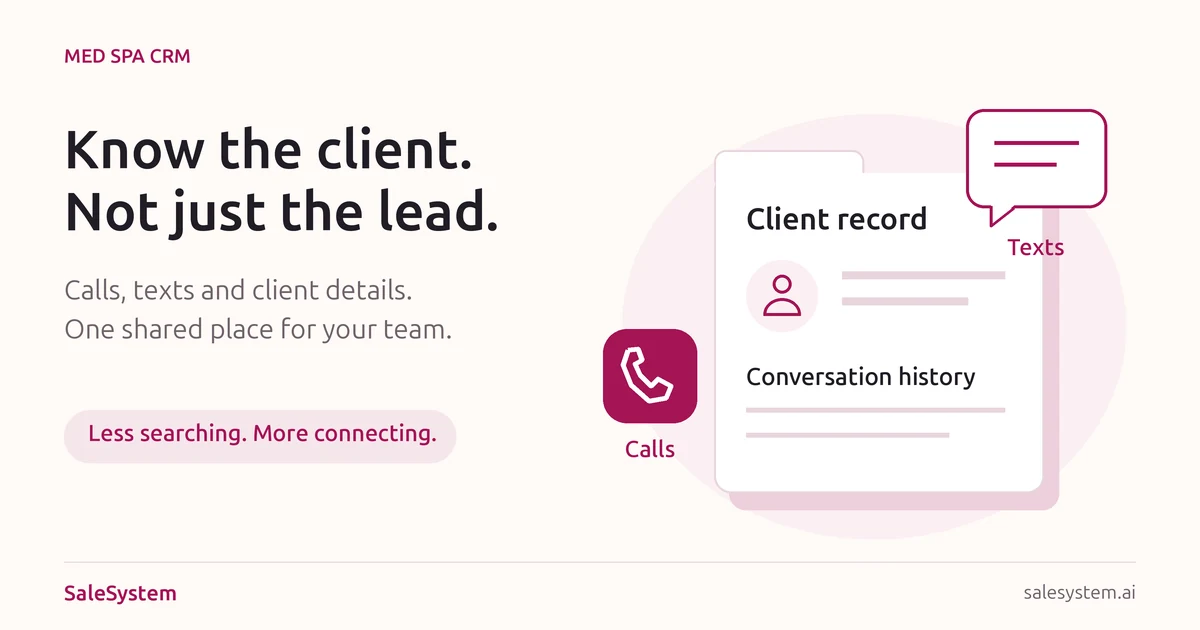
Keep every lead and client in one place
Help a promising inquiry become a booked visit while the conversation is still fresh. SaleSystem brings calls, texts, emails, client history and tasks together, so your desk can answer well and carry the next step through.
A real request beats a vague lead label
A new guest wants an evening consultation but has a question about the fee. Read the request and past replies together. Share the details they need, then help them choose a time. Your team gets a useful place to start instead of another name to chase.
Make the next reply feel personal
When that guest calls back during another shift, the answer should still be close at hand. A teammate can see what was explained, which question is open and when a callback was promised. Shared history keeps the conversation moving without making the guest repeat it.
Give an open question or requested callback a named owner and due time. Keep it with the client record, ready for the teammate who can help. Your desk spends less time chasing notes and more time helping people book.
Use our med spa lead qualification questions for the first conversation. The free lead conversation kit adds replies and a handoff note your team can put to work.
Med spa software that saves your team time
Calls and texts together
Find past messages, calls and notes before you reply. Anyone helping a client can pick up where the last conversation ended.
Automated lead follow-up
Set up follow-up texts, emails and staff tasks. Keep interested leads moving toward an appointment while your front desk helps clients in person.
Appointments and repeat visits
Manage bookings, payments and memberships alongside client history. Make it easier to help a returning client book again.
Give every interested lead a clear next step
Turn a crowded lead list into booked visits. SaleSystem brings lead stages, calls, texts and staff tasks together, so your team can spot the people waiting for help and pick up the right conversation.
A caller wants an evening consultation. Another lead needs a price answer. Someone else booked with the morning shift. See the story behind each name before you reach out.
A clear view of booking progress
Separate fresh inquiries, open conversations and booked consultations. Start with the people who need your team, instead of reading every old lead from the top. Clear stages make the next useful action easier to find.
One owner for the next reply
Give a callback or open question to a named teammate with a due time. A promise to call Friday stays with the client record, ready for the person taking over. No loose note. No guessing who is handling it.
The context behind the callback
Read earlier calls, texts and emails in the same place. If a lead replied by text after leaving a voicemail, your team can answer that question without asking them to start again.
Keep good conversations from getting buried
A lead marked “waiting” may be waiting on you. Shared history helps the desk find the unanswered question, assign the next step and help the person choose a time. Once a visit is booked, check the record and focus on helping with that visit.
Our med spa pipeline stage guide gives you clear labels and a daily checklist. Use its stuck-lead examples and free review kit to tidy the list your team works from.
Try a clearer start to the day
During your 14-day free trial, add sample inquiries for a price question, a requested callback and a booked consultation. Ask a teammate to find the next action for each. See how much easier the handoff feels when the history and task are close at hand.
Marketing includes CRM, pipelines, conversations and follow-up workflows. Add booking and payments with Operations Complete. See med spa plans or start your free trial.
Make follow-up feel like help, not another sales push
A booked client should feel expected. Give your desk the conversation, client history and next task in one place, so a question about tomorrow’s visit gets a helpful answer today. SaleSystem brings calls, texts and emails together for a team that can pick up where the last shift left off.
Help booked clients arrive with fewer loose ends
A client cannot find the entrance. Another is running late. Someone says they already asked to cancel. With the earlier messages close at hand, your desk can see what happened and help with the right next step. Less searching leaves more time for the people coming through your door.
A reminder reply should reach someone who can help
Keep the reply with the client rather than on a separate list. Read what they asked, check the details and give any open task to a teammate. The client can carry on the conversation without tracking down the person who first booked them.
A question gets a personal answer
Find the earlier call, text or email before replying. Help with the location, arrival details or office policy. When someone else takes over, they can see the answer already given.
A change request gets an owner
A request for a later time needs someone to finish it. Assign a task with a due time and keep it beside the conversation. Your team can find the promise even when the desk gets busy.
The next shift gets the full picture
Read the latest reply and see what still needs help. With booking in your setup, keep the visit close to the messages around it. Staff can check the saved details before sending another update.
Give the next shift a conversation they can finish
A client says, “I called about canceling yesterday.” Shared history helps the next teammate find that call and the open request. They can give a useful update instead of making the client explain it again. One clear task keeps the next answer from becoming another loose note.
Use workflows for routine follow-up and staff tasks for the replies that need a person. Our med spa appointment reminder templates give your desk clear words for booked visits. Use the replies for changed plans or save the free reminder reply kit for your team.
Marketing includes CRM, conversations and follow-up workflows. Add Operations Complete for booking and payments. See med spa plans for the tools your desk needs.
During your 14-day free trial, try a sample appointment question and have a second teammate pick up the reply. Start your free trial and give your team a simpler way to help booked clients.
For a first inquiry about cost, use our med spa price inquiry scripts. For someone still choosing a visit, explore med spa lead follow-up or our consultation follow-up scripts.
Give members a clear answer, not another handoff
Keep good client care going between visits. A member asks about an unused benefit, then calls back while someone else is at the desk. SaleSystem brings the calls, texts, emails and client notes together, so the next teammate can help without starting the story again.
Keep the promise close to the person
A client should not have to chase the person who said they would call. Keep the question and next task with the record. Your team can see what was promised, who is handling it and when an answer is due.
A question before joining
Read the earlier reply before explaining the plan or helping with booking. The client gets a consistent answer, and your desk spends less time piecing together calls and messages.
A request between visits
A member wants help using a benefit or asks to pause while away. Save what they need and give the open question to the right teammate. Keep the answer within reach for the next call.
A reply the next shift can finish
A billing question arrives near closing. Assign a task with an owner and due time. The morning desk can pick up the conversation and share the confirmed answer instead of asking the member to explain it again.
One shared conversation means less note chasing and more time to help. Use our med spa membership FAQ and answer sheet for clear plan explanations. Its pause and cancellation replies help staff explain what happens next, with a free kit for tracking the request through the final answer.
Try a member request with two teammates
During your 14-day free trial, add a question about a member’s next visit to a sample record. Leave a reply and assign a task. Ask another teammate to find the context and finish the next step. See how much easier the handoff feels when the conversation stays together.
Start with Marketing for CRM, conversations and follow-up workflows. Add booking and payments with the Operations Complete add-on. Start your free trial or see med spa plans. Contact Sales to discuss your membership setup.
Help people who find you nearby
Before a local visitor becomes a lead, they need a clear way to reach you. Use the med spa Google Business Profile checklist to check that path, then keep the question and next task in your CRM.
Choose the right tools for your med spa
SaleSystem Marketing includes CRM, pipelines, conversations and follow-up tools. Add booking and payments with the Operations Complete add-on. Phone, SMS and email usage can add to your bill; the full pricing details explain plans and usage charges.
Start with a 14-day free trial and bring your leads, messages and follow-up into one place. For a wider comparison, use our medical spa software buying guide.
Try the handoff during your free trial
See how a shared client record fits your front desk. Use a sample client and contact details your team controls, then ask two teammates to try a simple callback handoff.
- Open the sample record and add a note about a booking question.
- Create a callback task with an owner and due time.
- Have a second teammate find the note and explain the next step.
- Finish the task and check what the next shift can see.
The goal is a smoother day: less time tracking down a colleague, fewer repeated questions and a clear next action. Contact Sales if you want help choosing the tools for your team.
Read our CRM buying guide, see front desk tasks you can automate or get ideas for keeping membership clients coming back.
Med spa CRM questions
What is med spa CRM software?
A med spa CRM keeps leads, client details and conversations in one place. SaleSystem also connects follow-up, appointment booking, payments and memberships so your team can manage new leads and returning clients together.
Can SaleSystem automate lead follow-up?
Yes. You can set up workflows to send follow-up texts and emails and create tasks for your team. Staff can see the conversation and reply directly when a lead has a question.
How much does SaleSystem cost?
Visit our med spa pricing page to see plans, included features and add-ons. You can start with a 14-day free trial.
Start using SaleSystem at your med spa
Try SaleSystem free for 14 days. Manage your leads, follow up with clients and book appointments in one place.
See the software at work
Small tasks. Clear steps.
Watch real SaleSystem screens, then follow the steps with your own team.
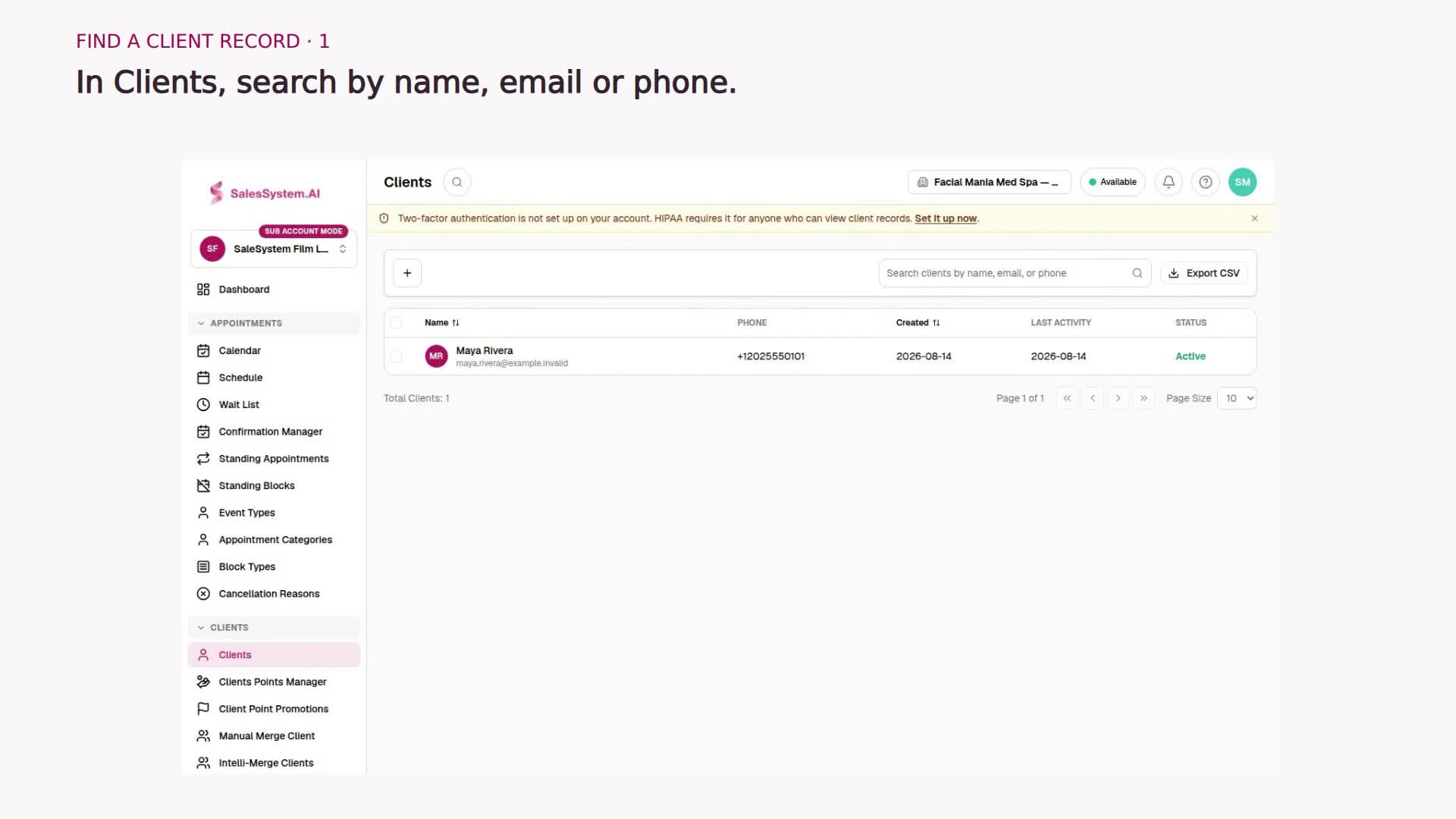
20 seconds · Step-by-step video
Find and open a client record
Find the right person in SaleSystem and open their details, without digging through separate files.
Watch the tutorial →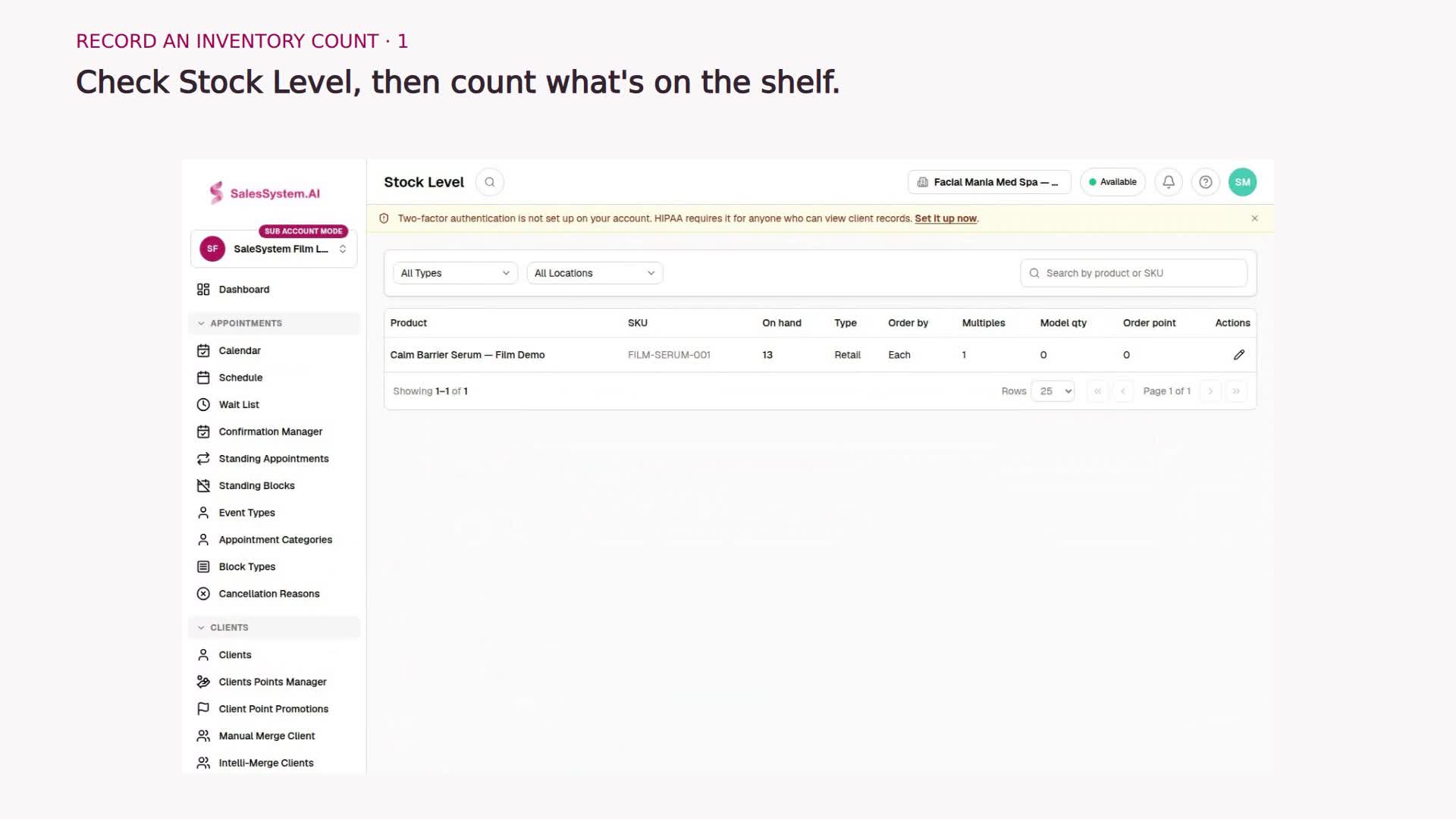
40 seconds · Step-by-step video
Record an inventory count
Keep stock records in line with your shelf. Enter the quantity you counted and check the updated stock in SaleSystem.
Watch the tutorial →