SaleSystem / Appointment reminder templates
Med Spa Appointment Reminder Templates
A good reminder does more than repeat a time. It helps a client get to the right place and reach your team if plans change. Use these med spa appointment reminder templates for visits already booked, then give each reply a clear next step.
By SaleSystem · · Operations
Start with the visit that is actually booked
Check the latest calendar before sending. Use the saved date, time, time zone and location—not the time first offered in a text. If the client has moved or canceled the visit, update the reminder plan too.
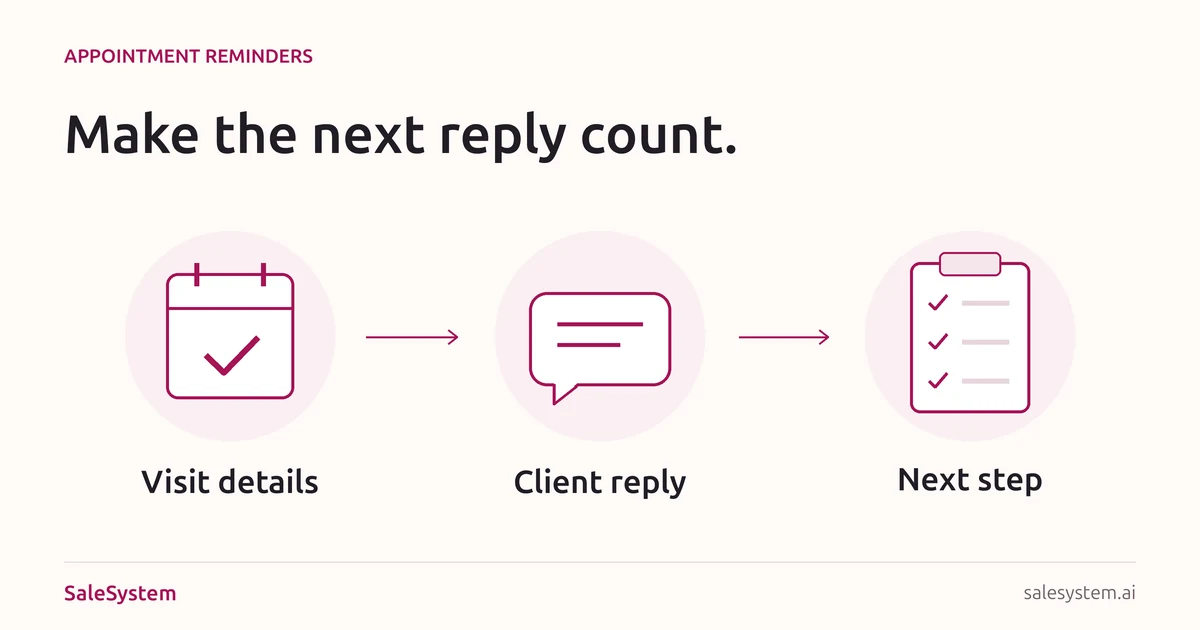
A booking notice says the visit is saved. A reminder brings that visit back to mind. Neither means the client has replied. Keep those steps separate so your desk knows who still needs help.
These examples focus on appointment details, not sales offers. Day spas can use them for facial and massage bookings too. For a wider attendance plan, see our med spa no-show playbook. For guests who have not booked yet, use consultation follow-up scripts instead.
Four appointment reminder texts to adapt
Replace every bracket and use your approved contact method. Only ask for a reply if someone checks that number. If you use a confirmation link, test the link and the action it takes before adding it.
A simple reminder before the visit
Hi [First Name], a reminder from [Spa]: your appointment is [Day, Date] at [Time, Time Zone], at [Location and Address]. Need help or a change? [Monitored Contact Method]. We look forward to seeing you.
Use the full date rather than “tomorrow” if a queued message could go out late. Keep the address clear when your spa has more than one location.
When you want a confirmation reply
Hi [First Name], this is [Name] at [Spa]. Can you confirm your appointment on [Day, Date] at [Time, Time Zone] at [Location]? Please reply to let us know, or tell us if you need help with the time.
Use this when your team will read and record the answer. A “yes” needs to reach the right booking. Do not promise that a keyword changes the calendar unless your setup really does that.
A helpful arrival note
Hi [First Name], we look forward to seeing you at [Spa] on [Day, Date] at [Time, Time Zone]. Find us at [Address]. [Short Parking or Entrance Detail]. For help finding us, call [Staffed Number].
Send this only when the arrival detail helps. If the client already has the same information, another text may not add anything. Do not add a new arrival requirement at the last moment.
A reply to “Yes, I’ll be there”
Thanks, [First Name]. We’ve noted your reply for [Day, Date] at [Time, Time Zone] at [Location]. We look forward to seeing you.
Check that the reply refers to this visit, then record it. Skip a second staff reply if your booking tool has already sent the same acknowledgment.
A short appointment reminder email
Email can hold directions without making a text hard to read. Keep it focused on the booked visit.
Subject: Your appointment at [Spa] on [Day, Date]
Hi [First Name],
We look forward to seeing you.
When: [Day, Date, Time and Time Zone]
Where: [Location and Address]
Finding us: [Useful Entrance or Parking Detail]
Need help or a change? [Monitored Contact Method or Booking-Management Link]. Our team replies during [Staffed Hours].
Thank you,
[Spa Team]
Open the message on a phone. Check that the date, address and help link are easy to find without loading an image. Use your normal approved footer and contact details.
How often should you send a reminder?
Choose a plan that fits your booking terms and gives the client time to act. For example, if your change deadline is two days before the visit, a first reminder sent only the night before is too late to help them meet it.
Check what your booking system already sends before adding another workflow. One tool may send a booking notice while another sends a text and email for the same visit. Give one person ownership of the plan and test it with a team-owned record.
Use the client’s agreed channels, respect opt-outs and keep promotional offers out of visit reminders. Do not send treatment names, health details or private instructions in ordinary reminder texts. Route medical questions and preparation instructions through your practice’s approved clinical process.
Example: “Can I come an hour later?”
A client answers a reminder while the desk is busy. A teammate sees the reply at shift change. The original visit is still booked, and the later time has not been checked.
The teammate reads the request, checks the schedule and offers a time that fits. Once the client agrees, staff save the change and send the final details. They also check that reminders for the old time will not go out.
The next shift can now see what happened. No one has to guess whether the reply was just read or the visit was really moved.
Make the next reply easier to finish
SaleSystem med spa CRM keeps calls, texts, client history and staff tasks together. A teammate can find the question and help with the visit without starting over.
Marketing includes CRM, conversations and follow-up workflows. Add Operations Complete for booking and payments. See med spa plans and use your 14-day free trial to try an appointment-reply handoff with sample records.
Keep the visit and the reply together
Try SaleSystem free for 14 days. Manage your leads, follow up with clients and book appointments in one place.