
SaleSystem / Spa appointment rescheduling templates
Spa Appointment Rescheduling Text Templates
“Can I move my appointment?” is a chance to keep the visit, not start a long back-and-forth. These spa appointment rescheduling texts help your team offer real options, confirm the new time and leave the next shift a clear update.
By SaleSystem · · Operations
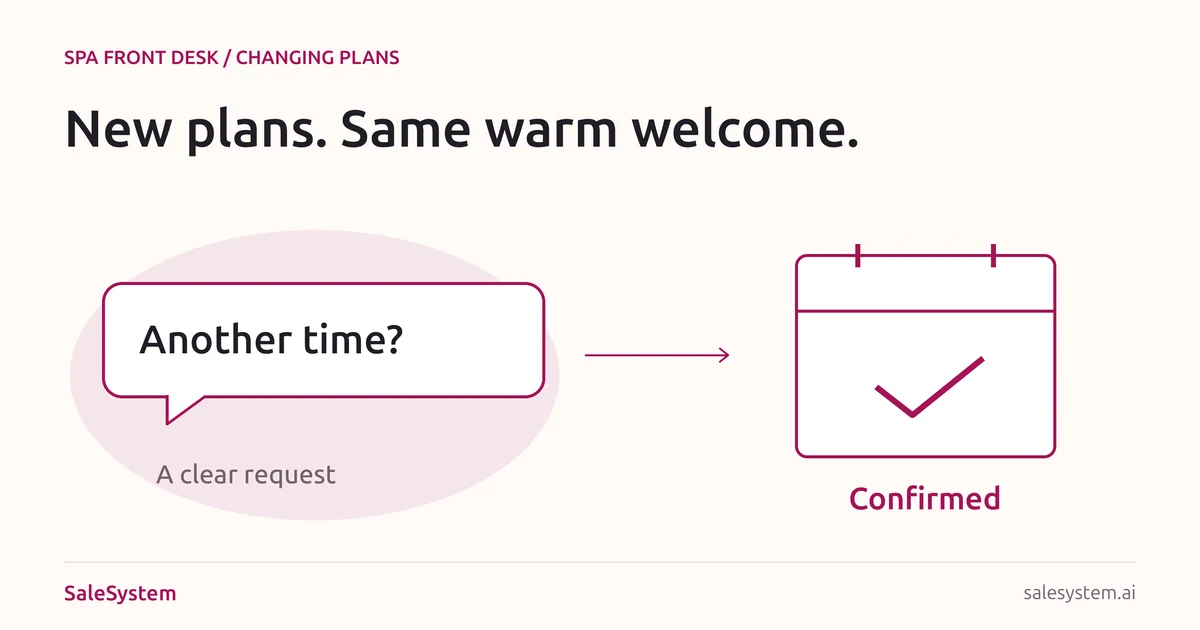
A new time is not booked until it is confirmed
Keep three steps separate: the client asks for a change, your team offers a time, then the booking is changed and confirmed. A text that says “Friday works” is not the same as an updated calendar.
First check which visit the client means and whether they can still attend the old time. If they clearly cancel that visit, record it promptly. If they are only asking about other options, explain whether the current booking remains in place while you look.
This guide covers moving an existing facial, massage or other spa visit. For the next visit after checkout, use our spa rebooking scripts. For an empty slot you want to offer to someone else, read the same-day cancellation guide.
Five appointment rescheduling texts
Replace the brackets with real details. Check the calendar before offering a time, and use your spa’s approved booking terms. Keep the reply in the same client conversation.
When the client asks to move a visit
Hi [First Name], happy to help with your visit on [Day, Date] at [Time]. I can offer [Option One] or [Option Two]. Would either suit you? [Current Booking Status]. I’ll confirm the new time once we update your booking.
Use full dates, not just “next Friday.” For the status, say what is true: “Your current appointment is still booked” or “Your original appointment has been canceled as requested.” Do not imply that an offered slot is held unless it really is.
When no suitable time is open
Hi [First Name], I don’t have [Requested Time] available. Would [Available Option] work, or is another day better? [Current Booking Status]. If you would like us to contact you about an opening, which days and times could work?
Get permission before adding someone to an openings list. Record the service, preferred times and notice they need. Do not promise an opening or a hold you cannot provide.
When your spa needs to move the appointment
Hi [First Name], it’s [Name] at [Spa]. I’m sorry, we can’t keep your appointment on [Day, Date] at [Time]. We can offer [Option One] or [Option Two]. Would either work? If not, reply here and I’ll help with another option.
Take ownership without a long internal story. If a deposit or credit is involved, explain how it will be handled under the applicable terms. Do not use a client late-cancel fee to cover a change your spa caused.
When the new time is booked
You’re all set, [First Name]. Your visit at [Spa, Location] is now booked for [Day, Date] at [Time]. This replaces your appointment on [Old Date] at [Old Time]. [Confirmed Deposit or Credit Update, if needed]. Questions? Reply here and we’ll help.
Send this only after the calendar is updated. Add the service and provider when useful and appropriate for the channel. Check that no old reminder will send the client back to the canceled time.
When you are still waiting for a choice
Hi [First Name], would you still like help finding a new time? [Current Booking Status]. The times we discussed may change, so I’ll check what’s open when you reply.
State the current status plainly: “Your original visit is still booked for [Date and Time]” or “Your old visit is canceled; no new time is booked yet.” Follow your contact rules, keep required opt-out details and stop when the client asks.
Handle a late change without an argument
Read the terms shared at booking before discussing a fee. State the applicable rule, amount and options in plain words. If a manager needs to review the request, give it an owner and a reply time rather than guessing.
I can help with the change. The terms for this booking say [Applicable Rule and Fee]. [Approved Options]. If you have a question about that, [Name or Team] can review it and reply by [Time].
Do not label a request as a no-show before the appointment has passed. Keep the time the client contacted you with the record. If the client is unwell, help with the booking change rather than pressuring them to attend.
For a med spa, send treatment-timing or health questions to the clinical team. Keep private health details out of ordinary texts; use the approved private channel when needed.
One change note for the next shift
A teammate should be able to open the client record and see what is settled and what still needs work. Copy this short note into your approved staff system.
Original visit: [Date, time, service and location]
Request received: [Time and channel]
Old booking status: [Still booked or canceled]
New time: [Requested, offered or confirmed]
Calendar updated: [By whom and when, or not yet]
Deposit or fee: [Confirmed handling or question to resolve]
Confirmation and reminders: [What was sent and what was checked]
Next action: [Named owner and due time, or complete]
Example: a massage visit moves across shifts
A client says they cannot make Thursday and asks for Saturday. The evening desk records the cancellation and offers two open times. The client has not chosen yet, so the note says “old visit canceled; Saturday offered, not booked.”
The morning teammate reads the reply, checks that the chosen time is still free, updates the booking and sends the new confirmation. No one tells the client they are booked based on an unfinished text.
Our front desk handoff checklist helps each shift pick up these open requests.
Before you mark the change complete
- Confirm the client, service, location and original visit.
- Check the new time fits the provider, room and full service length.
- Record what happened to the old booking.
- Apply only the agreed deposit, credit and fee terms.
- Update the live calendar before sending a final confirmation.
- Check reminders point to the new visit, not the old time.
- Keep the reply and any open task with the client record.
- Make sure the client knows whether a new visit is booked.
At shift end, check requests still waiting on a choice or staff answer. Give each one an owner. The goal is a clear next step, not another message sent for its own sake.
Less back-and-forth. A clearer next visit.
SaleSystem brings calls, texts, client history and staff tasks together. When plans change, your desk can find the request, see what was promised and help with the next time.
Explore SaleSystem spa software for a more connected front-desk day. Marketing includes CRM, conversations and workflows; booking and payments are part of the Operations Complete add-on. See the current plans for your spa.
During your 14-day free trial, use a sample client and team-owned contact details to try a booking-change handoff. Have a second teammate find the request and finish the reply.
Keep the booking and the conversation together
Try SaleSystem free for 14 days. Manage your leads, follow up with clients and book appointments in one place.