SaleSystem / Google Business Profile checklist
Med Spa Google Business Profile Checklist
Help the person who finds your med spa on Google take the next step. Check the details, booking path and front-desk reply—not just how the profile looks.
By SaleSystem · · Marketing
Start where a new visitor starts
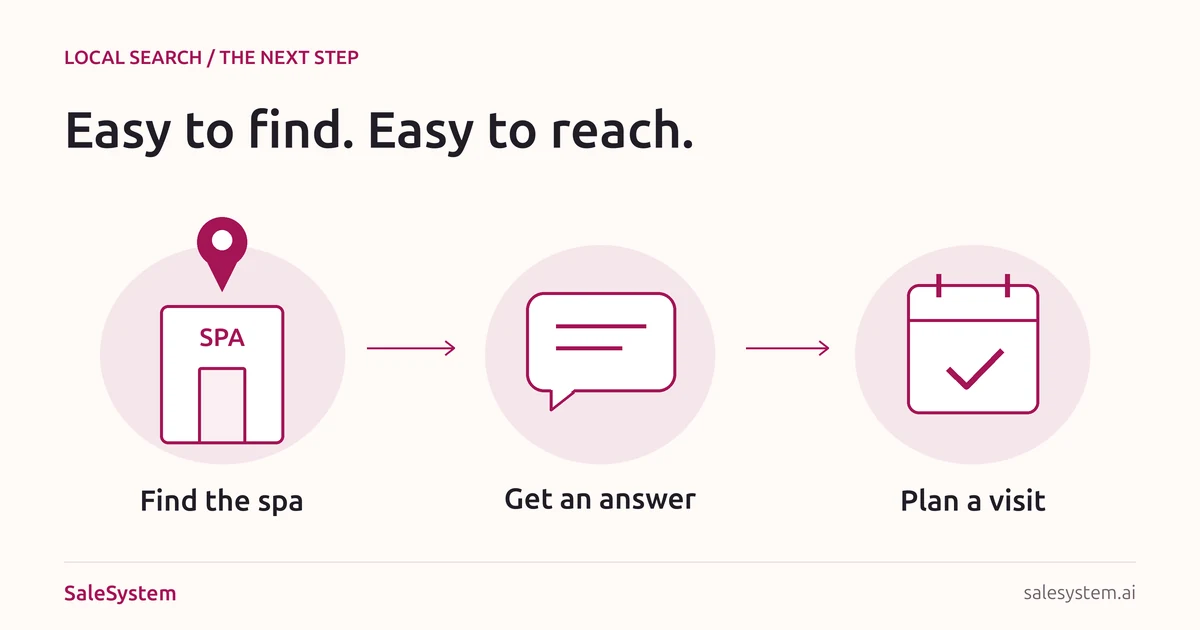
Open your public profile in Google Search and Maps on a phone. Do not stop at the owner dashboard. Look at the name, address, hours and links a new visitor sees, then follow the path to your website or booking page.
This checklist is for the owner or teammate who keeps those details current. It connects local discovery to a useful reply and a real appointment. For the bigger picture, see our med spa marketing guide. Day spas can use the same checks with their own services and booking rules.
Six checks from Google to the front desk
Use the name clients know
Match the business name to your real signs and branding. Do not add “best,” city names or a list of treatments just to fit more keywords. Choose the most specific category that describes the business, plus only the other categories that truly fit.
Google’s business profile guidelines call for a real-world name, an accurate address and a small set of relevant categories. Check the existing profile before creating another one for the same location.
Check the details that get someone to the door
Confirm the street address, suite, map pin and location phone number. Keep published customer-facing hours and holiday changes accurate. If you operate only by appointment, check Google’s hours guidance for your setup rather than showing walk-in hours you do not offer.
On your website, add simple arrival help: which entrance to use, where to park and how to reach the desk. Use real photos of the entrance and space. Keep clients and private records out of the frame unless you have the right permission.
Explain the visit before asking for a booking
List the services you actually offer in words a client can understand. Make the linked service page answer: What is this visit? Is the first step a consultation? Where does it happen? How do I arrange it?
A consultation request should not look like a confirmed treatment booking. Put any consultation fee and key booking terms where the person chooses the visit. Keep the profile description focused on the business; Google does not allow links or a sales-promotion focus in that field.
Open every booking link on a phone
Use the profile’s booking link field, where available, for the real booking destination. Check each listed provider link too. An old system can still send people to the wrong calendar even when your main website link is right.
Google lets you add local business links and set a preferred link when you have more than one. Point people to the right location and visit type. Do not replace a working booking link with a generic homepage.
Walk through the steps to the final confirmation screen using your team’s approved test process. Check service, location, date, time and fees. If a test would reserve a live slot or charge a card, agree on a safe test first; never create a client booking by mistake. Read why booking links lose visitors for the next round of improvements.
Make sure a question reaches a person
Check where the listed phone number rings and what callers hear when the desk is closed. Ask the team who owns a missed call, a web inquiry and a request for help booking. Each needs a real next step, not an inbox everyone assumes someone else is watching.
When someone calls, keep their question and promised callback with their record. If they later text, read that reply before calling again. Use our missed call scripts for new inquiries and existing-client requests.
Keep reviews helpful and private
Give clients a simple way to leave an honest review. Do not ask only happy clients, offer rewards for reviews or make help depend on changing a review. Our review request guide includes ready-to-adapt wording and links to Google’s rules.
Keep public replies free of visit history or health details. A med spa should not confirm someone is a patient while replying to a review. Offer a business contact for private help, then keep the real follow-up with the team.
A good profile still needs a good reply
Example: the visitor reaches the wrong calendar
A person finds your downtown location on Maps, but the booking link opens the other branch. They call to ask where the consultation will be. The desk explains the location and helps them choose the right visit.
Finish both jobs: help this person, then fix the link for the next visitor. Give the profile change an owner. Reopen the public link after the edit appears and check where it lands. A saved edit is not the end of the check.
SaleSystem med spa marketing software keeps the calls, messages and next staff task together once the inquiry reaches your team. Your profile brings people to the door; your desk helps them through it.
A short weekly check your team can copy
Keep one note for each location. Run it again after changing your hours, phone setup, service menu or booking software.
Location and public profile: [Name and link]
Checked by / date: [Teammate and date]
Name, address and hours: [Correct or change needed]
Website destination: [Right page and location]
Booking destinations: [Each link checked on a phone]
Phone and after-hours path: [Right desk and message]
Open inquiry owner: [Teammate and backup]
Problem found: [What a visitor would see]
Fix owner and due date: [Person and date]
Public recheck: [What changed and when it was confirmed]
Start by fixing one broken path: an old link, unclear visit type or missed callback. That is more useful than adding another post while people still cannot find the right appointment.
A call click is not an answered call
Google’s Business Profile performance report defines calls as clicks on the call button. That count does not tell you whether your team answered, whether the caller was a new lead or whether a visit was booked.
Use the profile’s available data to see how people take the next step, then check actual calls, inquiries and bookings in your own records. Google says performance data can include organic results and Google Ads, so do not label the whole report “free search leads.” Available metrics also vary by business and setup.
For a simple weekly review, ask: Which requests still need an answer? Which people booked? What kept the others from booking? Give the next fix an owner. If you need help sorting the lead list, use our med spa pipeline stage guide.
Keep the next conversation within reach
SaleSystem brings calls, texts, emails, client history and follow-up tasks into one place. A teammate can see what someone asked and help with the next step without hunting through separate notes.
Start with Marketing for CRM, conversations and follow-up workflows. Add booking and payments with Operations Complete. See med spa plans or use your 14-day free trial to try an inquiry handoff with a sample record and contact details your team controls.
Running a day spa? Explore spa marketing ideas and spa software for your next booking.
Give local interest a clear next step
Try SaleSystem free for 14 days. Manage your leads, follow up with clients and book appointments in one place.