SaleSystem / Spa referral program
Spa Referral Program
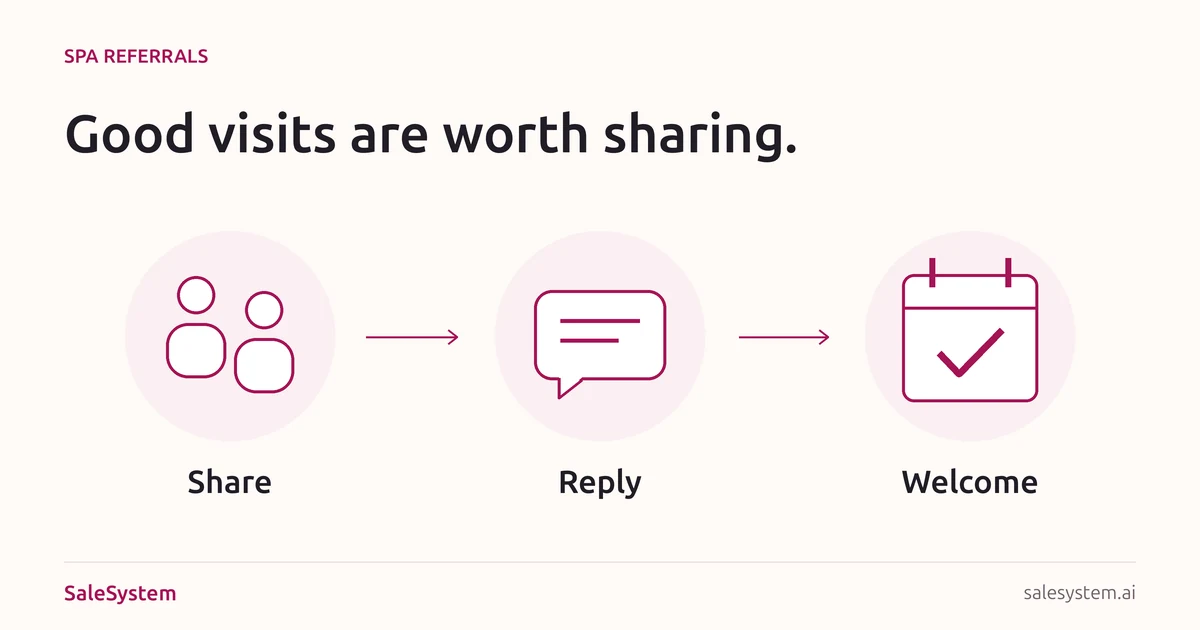
A happy client says, “My friend would love this place.” Make the next step easy. Give them something useful to share, help their friend book and keep any promised thank-you from getting lost.
By SaleSystem · · Marketing
Start with a good invitation, not a bigger discount
A spa referral program gives clients a clear way to introduce someone new. It can be as simple as a service link and a warm welcome. If you add a reward, the desk needs clear rules for who earns it and when.
This guide is for day spas, facial studios and massage businesses. It covers inviting a friend and handling the first visit—not paid reviews, affiliate sales or medical referrals. Med spas should get advice on referral fee rules before offering rewards tied to care.
A simple spa referral program plan
Choose one visit to recommend
Pick a service your team can explain in a sentence, with a clear price, length and booking link. Send the friend to that service, not a busy home page where they must start the search again.
A facial studio could share its first-visit facial page. A massage business could share a service page that explains the available session lengths. Use real availability; do not promise two friends can book together unless you can arrange it.
Make the invitation easy to share
Offer a short link or a small card with a readable web address. A QR code can help, but it should not be the only way to reach the page. Check the destination on a phone before handing it out.
Start without a reward if that keeps the plan simple. If you use a credit, extra service or other perk, work out its cost and whether your team has time to provide it.
Write down any reward terms
State who qualifies, which visits count, the reward for each person and the event that earns it. Explain how to claim it, whether offers can be combined, and any limits or expiry. Decide how a canceled visit or refund affects it before staff have to answer.
Use approved local terms. Keep rewards separate from review requests: nobody should have to post a review to earn a referral thank-you.
Let the friend contact you
Give the client a link they can pass along. Do not ask them to hand over a friend’s phone number for your marketing list. When the friend reaches out, answer their question and follow their own contact choices.
Give each open request an owner
Record how the new guest found you and what help they need. If they ask for a callback, assign it. Keep a separate check for any reward, so a booking question does not sit unanswered while staff work out the credit.
Three referral scripts your desk can use
At checkout, when a guest mentions a friend
We’d love to welcome them. Here’s the link to our [Service] page, with the price and booking details. They can contact us if they have a question.
Keep it relaxed. A client does not need to introduce someone to receive good service.
A message the client can choose to share
I enjoyed my visit at [Spa] and thought you might like it. Here’s their [Service] page: [link]. It has the details if you want to take a look.
If the sender may earn a reward, add a plain sentence explaining that benefit. Do not ask them to hide it or claim an experience they did not have.
When the new guest contacts your desk
Thanks for getting in touch, [Name]. We’d be happy to help with [their question]. [Clear answer]. Would you like help finding a time for [Service]?
After helping, ask “How did you hear about us?” If they name a client, record only what you need to apply the program. Do not share either person’s visit details with the other.
A referral tracking note for the team
Use your approved client system for personal details. A shared public spreadsheet is not the place for client records. Copy these labels into a private note or your existing tracking process.
New guest: [Internal client reference]
Source: [Client referral, confirmed by the guest]
Referrer: [Approved reference, if needed]
Program terms: [Version and offer]
Open question: [What the guest needs]
Next action: [Owner and due time]
Visit status: [Inquiry, booked, completed or canceled]
Reward status: [Not used, pending check, approved or issued]
Reward record: [Approved amount or perk, date and record reference]
Follow-up: [Any unresolved action and owner]
A shared link is not a booked visit
Keep the stages separate. A friend who asks about Saturday has made an inquiry. They are booked only after the appointment is saved. A reward that depends on a completed visit stays pending until your team checks that condition.
Example: a regular shares your facial page. Their friend asks for an evening time, but needs to check their work schedule. Record the inquiry and the callback they asked for. Do not mark a visit complete or issue a visit-based reward just because the link was shared.
If you later issue a credit, save its record reference before closing the task. That makes a second claim easier to check and helps the next shift avoid issuing it twice.
Check the first visits, not just the invitations
At your weekly team check-in, review the referred guests who contacted you. Which questions were answered? Which guests booked? Which visits happened? Which promised rewards still need action?
If people ask questions but do not book, read the replies before increasing the reward. They may need an evening time, clearer service details or a callback that never happened. Track reward costs and the actual visits so you can judge whether the offer fits your business.
Keep supporting each guest after that first visit. Our spa client retention guide helps you find what gets in the way of coming back. For the separate job of asking for feedback, use our review request templates.
Keep a warm introduction from becoming a lost message
SaleSystem spa marketing software keeps calls, texts, emails, client history and staff tasks together. Your desk can answer the new guest and leave the next teammate a clear plan.
Marketing includes CRM, conversations and follow-up workflows. Add booking and payments with Operations Complete. Use the tracking note above as a staff-reviewed process; check any reward in your approved system before marking it issued.
Try a sample referred inquiry during your 14-day free trial. Have a teammate pick up the reply and find the next action. See spa plans for the tools that fit your team.
Turn a warm introduction into a helpful conversation
Try SaleSystem free for 14 days. Manage your leads, follow up with clients and book appointments in one place.