SaleSystem / Lead response time
Med Spa Lead Response Time
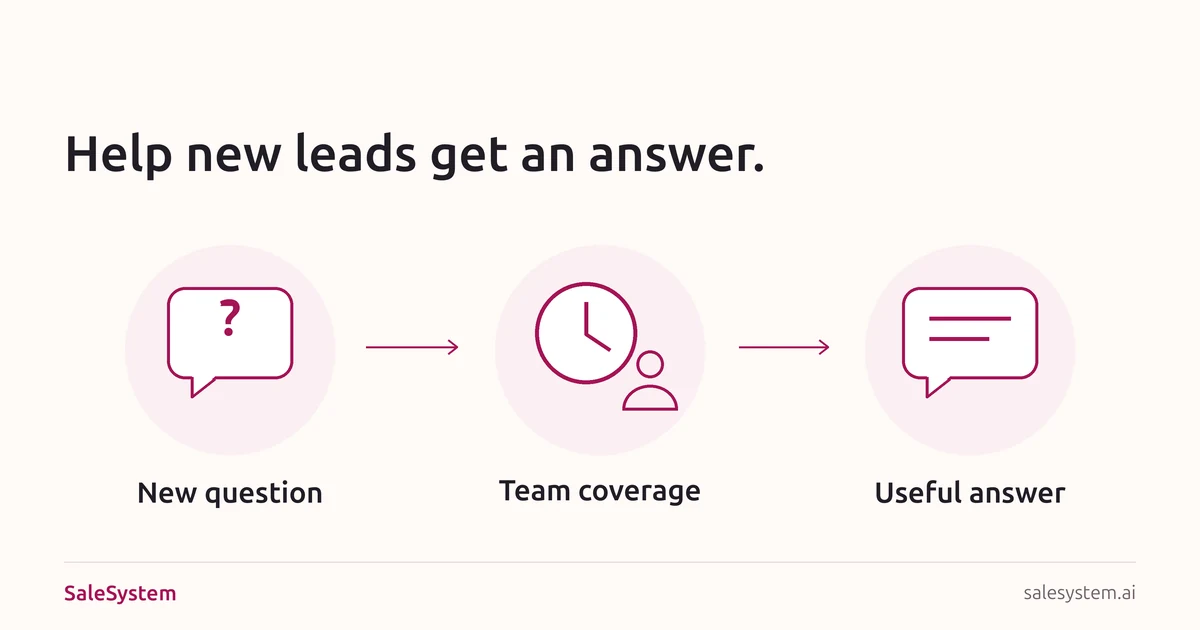
A new lead asks about a consultation while your desk is checking in a client. Make sure that question reaches someone who can help. A clear response plan gives your team a way to answer sooner and turn fresh interest into a booking conversation.
By SaleSystem · · Operations
What does lead response time mean?
Lead response time is the wait between an inquiry arriving and your team’s first response. To improve it, agree on what you count. A receipt message, a call attempt and an answer to the question tell you different things.
- Acknowledgment: “We received your message.” The person knows it arrived.
- Contact attempt: a staff call or personal message. Record whether the call connected or the message went through.
- Useful reply: an answer or a clear next step based on the actual request.
For example, “Our desk opens at [Time]” sets an expectation. “The consultation fee is [Price], and here is what it includes” answers a price question. Keep both times if your team uses both messages.
This guide helps you improve the first response to a new inquiry. For later messages, use our med spa lead follow-up guide. For calls that went unanswered at the desk, use the missed call scripts.
Build a first-response plan your desk can keep
Choose an owner and a backup
Name who checks new inquiries during each shift. Give breaks, check-in rushes and staff absences a backup. “The front desk handles it” is hard to act on when the whole desk is busy.
List the channels you actually use: website forms, calls, texts, email and social messages. Make sure each has a clear path to the person replying.
Set a target for staffed hours
Choose a short first-reply target the team can meet, then write it down. Check the busiest part of the day before promising that time to clients. If the desk keeps missing the target, change coverage or the handoff rather than asking staff to type faster.
Use a separate plan for evenings, weekends and holidays. Tell people when a teammate will reply. Keep the time and time zone clear if you serve more than one area.
Keep the common answers ready
Put current consultation fees, hours, locations, booking links and visit details within reach. Staff can give a personal answer without searching through old promotions.
Use our price inquiry scripts for cost questions and lead questions when you need one detail to help with booking. Route medical questions to the clinical team.
Give overdue replies a clear next step
Decide when the backup takes over. The backup reads the latest conversation, checks whether someone already replied and handles the open question. Keep one owner for the reply so the lead does not get several calls at once.
Test the path before the next campaign
Use a sample inquiry and contact details your team controls. Try it during normal coverage, a handoff and closed hours. Check who sees it, what gets sent and whether the next teammate can find the open task. Fix the missed handoff before sending more people through it.
Make the first reply worth opening
Start with the question they asked. Use a channel they have agreed to and a reply address your team checks. Replace every bracket with current details.
During staffed hours
Hi [First Name], it’s [Name] at [Med Spa]. Thanks for asking about [Booking Question]. [Clear Answer]. Would you like help finding a consultation time at [Location]?
If they already asked for a particular day, check that day instead of asking them to repeat it. Offer real openings and explain any fee or booking terms before saving a visit.
When the answer needs another teammate
Hi [First Name], I’m checking [Booking Detail] with [Name or Team]. I’ll update you by [Day, Time and Time Zone]. You can reply here if there’s anything else we should know.
Create the staff task before moving on. If the promised time changes, send a clear update. Keep private health details in your approved clinical channel.
When the desk is closed
Thanks for contacting [Med Spa]. Our team will be back at [Day, Time and Time Zone] and will reply by [Realistic Reply Time]. You can view consultation details here: [Checked Link].
Use this when it fits your contact policy and actual coverage. A closed-hours note should give a reliable expectation. If you offer online booking, link to the right location and visit type. Read our after-hours lead guide for the wider booking path.
Find where the wait starts
Review new inquiries received during one recent week. Keep the original arrival time, even if the lead reached your CRM later. That helps you see whether the delay happened before staff saw the request or while it was waiting for an answer.
Use the same time zone for the log. Record the acknowledgment, first staff attempt and first useful reply separately. Leave a missing time blank and mark the inquiry unanswered rather than entering zero minutes.
Example: a quick receipt, then a wait for the answer
A fictional inquiry arrives at 10:12 a.m. An automatic receipt goes out at 10:14 a.m. Staff answer the consultation-fee question at 10:26 a.m. The receipt took 2 minutes; the useful answer took 14 minutes. If you only track the receipt, the wait for help disappears from view.
Keep closed-hours inquiries visible
Record the full wait the person experienced. You can also note the wait after staff opened, but label it separately. A reply soon after opening can still follow a long overnight wait.
Keep inquiries with no answer in the review. Check them first, then compare the waits for those that received replies. Group repeat messages about the same booking request together, so a form followed by a text does not become two new leads.
Download the Med Spa Lead Response Log
Use this free CSV in Excel or Google Sheets. It includes a clearly labeled example and a blank row to copy. Track inquiry times, reply times, ownership and the next step without rebuilding a sheet from scratch.
Download the Response LogNo email needed. The sheet is an editable log; enter wait times from your records. Keep real client details in your private system and use an internal reference in the log.
Use the log to choose one fix
- Inquiries arrive late in the inbox: check the form or channel handoff with the person who maintains it.
- Lunch or check-in rushes have long waits: give that period a backup owner.
- Receipts go out, but answers do not: put the unanswered questions on the team’s reply list.
- Staff keep waiting on the same detail: update the approved price, hours or booking answer.
- Replies are quick, but conversations stop: read the reply and try the booking link on a phone.
Choose an owner and date for the fix. At the next review, check the same parts of the day and see whether people are getting useful answers sooner. Keep replies, bookings and attended visits as separate steps. Our med spa pipeline guide helps you follow what happens after the first reply.
Keep the next answer close to the lead
SaleSystem lead follow-up software brings calls, texts, emails, client history and tasks together. Staff can answer with the conversation in view, then give any open question to the next teammate.
Start with Marketing for CRM, shared conversations and follow-up workflows. Add Operations Complete for booking and payments. See med spa plans and use your 14-day free trial to bring the next inquiry and reply into one place.
Running a day spa? Use the same response plan for service inquiries. Explore spa software for bookings, client messages and returning guests.
Give new leads a team ready to help
Try SaleSystem free for 14 days. Manage your leads, follow up with clients and book appointments in one place.