
SaleSystem / No-show follow-up
Med Spa No-Show Follow-Up
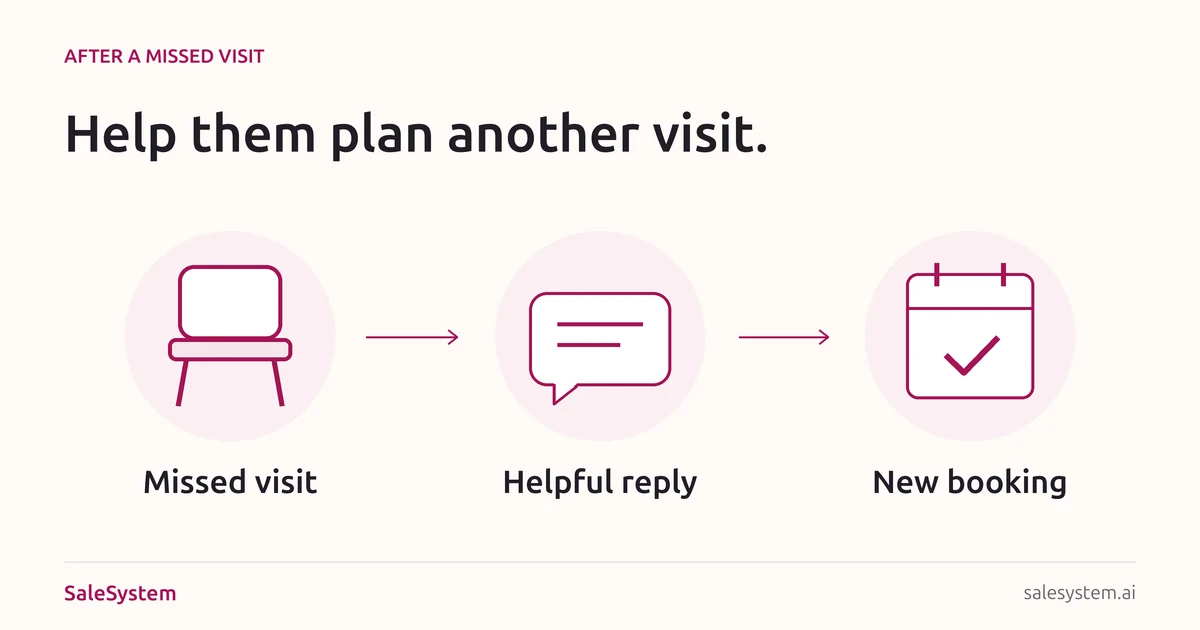
A client missed their appointment. A kind, clear reply can keep the door open without chasing or blame. Check what happened, offer a useful next step and finish the request when they answer.
By SaleSystem · · Operations
Check the visit before you send a no-show text
Start with the calendar and the latest conversation. The client may have called another teammate, canceled through a link or arrived at the wrong location. A record that still says “booked” is a reason to check, not proof that someone ignored you.
- Ask the desk or provider whether the client arrived.
- Look for a recent call, text, email or booking change.
- Check which location, date and time the client received.
- Record the actual visit status in your booking system.
- Check whether another teammate has already followed up.
This guide covers the reply after a missed visit. For prevention, use the med spa no-show playbook. For a future booking, use our appointment reminder templates. Keep treatment details and health questions out of ordinary texts; use your practice’s approved clinical channel when needed.
Four no-show follow-up texts to make your own
Replace every bracket. Use the client’s agreed contact method and a reply number your team checks. Keep the message about the visit rather than adding a sales offer.
1. A first message after the missed appointment
Hi [First Name], it’s [Name] at [Spa]. We missed you at your appointment on [Day, Date] at [Time]. Would you like help finding another time? You can reply here or call [Staffed Number].
Send only after staff confirm the visit was missed. Make it easy to answer without asking the client to explain personal details. If the person asks not to be contacted, respect that choice.
2. When they say they already canceled
Thanks for telling us, [First Name]. I’m checking your earlier request and the booking now. I’ll update you by [Time] so we can get this sorted.
Find the earlier request before asking them to cancel again. Correct the booking record if needed, and stop any follow-up that no longer fits. If the mistake was yours, own it in the next reply. Give any open payment question a separate owner.
3. When they are ready to book again
Happy to help, [First Name]. I’ve checked [Option One] and [Option Two] at [Location]. Would either work for you? I’ll confirm the visit once your chosen time is saved.
Check real availability before offering times. Explain any booking terms or deposit that applies before the client agrees. Save the new appointment, then send its date, time, location and help contact. If you send a booking link instead, check that it leads to the right service and location.
4. When they ask about a no-show fee
I can check that for you. I’ll review the terms for your [Date] visit, any earlier change request and the payment record. [Name or Team] will update you by [Time] with what applies and the next step.
Do not call a fee charged until the payment record shows it. An exception request is not an approved waiver. If a deposit applies toward a fee, explain the amount already paid and any remaining balance. Our cancellation policy template helps you give clear terms before future bookings.
A missed appointment email clients can keep
Email works well when the person wants a link and a clear way to reach the desk. Use it instead of another text when that matches their contact choice.
Subject: Help with another appointment at [Spa]
Hi [First Name],
We missed you at your appointment on [Day, Date] at [Time]. If you’d like to plan another visit, we’re happy to help.
Choose a new time: [Checked Booking Link or Staffed Contact]. Your visit is booked once you receive the booking confirmation.
If you already contacted us about this appointment, please let us know so we can check the record.
Questions about the booking or its terms? Contact [Monitored Help Method]. Our team replies during [Staffed Hours].
[Name]
[Spa]
Use your normal approved footer and open the link on a phone before sending. Put any specific payment answer in the appropriate private reply after checking the record.
What if they do not answer?
Check for a new booking or a reply in another channel before making another attempt. Follow the contact plan your practice approved, including the client’s contact choices. Do not turn one missed visit into daily texts from several teammates.
No reply does not mean they agreed to a new time, a fee or another offer. Leave an accurate note and close the follow-up when your plan ends. If the person asks for a callback next week, give that specific request an owner and due time.
A new booking does not erase the missed visit
Keep the original visit’s status and any open payment question clear. Record the new appointment separately. This lets the next teammate see that the client has booked again without losing the history of the earlier visit.
At your next desk check-in, look at what actually happened: who replied, who booked, who attended and which requests remain open. If several people mention the same wrong address or broken link, fix that problem before adding more reminders.
Save a no-show follow-up kit for the team
Keep the four texts, email and handoff note together. Add your approved contact plan, booking links and named fee reviewer before sharing it with staff.
Download the No-Show Follow-Up KitFree editable text file. No email needed.
One short handoff note
Original visit: [Internal booking reference and actual status]
Latest contact: [Channel, date and brief reply]
Client’s request: [New time, callback, record correction or fee question]
New visit: [Not requested, time offered or appointment saved]
Payment question: [None, awaiting review or confirmed outcome]
Next action: [One step, named owner and due time]
Client update: [What was sent and what is still promised]
Example: a client misses Tuesday’s visit and replies that work ran late. The desk checks two times for Thursday. The client chooses one, staff save it and send the confirmation. A separate fee question goes to the manager. The next shift can see the new visit is booked and the payment answer is still due.
Keep the reply close to the client
SaleSystem med spa follow-up software keeps calls, texts, emails and staff tasks with the client history. Your next teammate can pick up the request without making the client start over.
Marketing includes CRM, conversations and follow-up workflows. Add Operations Complete for booking and payments. See med spa plans and use the 14-day free trial to try a missed-visit reply and team handoff with a sample record.
For a visit that has not happened yet, use our appointment rescheduling texts to handle a change before the original time passes.
Help good conversations become booked visits
Try SaleSystem free for 14 days. Manage your leads, follow up with clients and book appointments in one place.