SaleSystem / Spa gift card marketing
Spa Gift Card Marketing
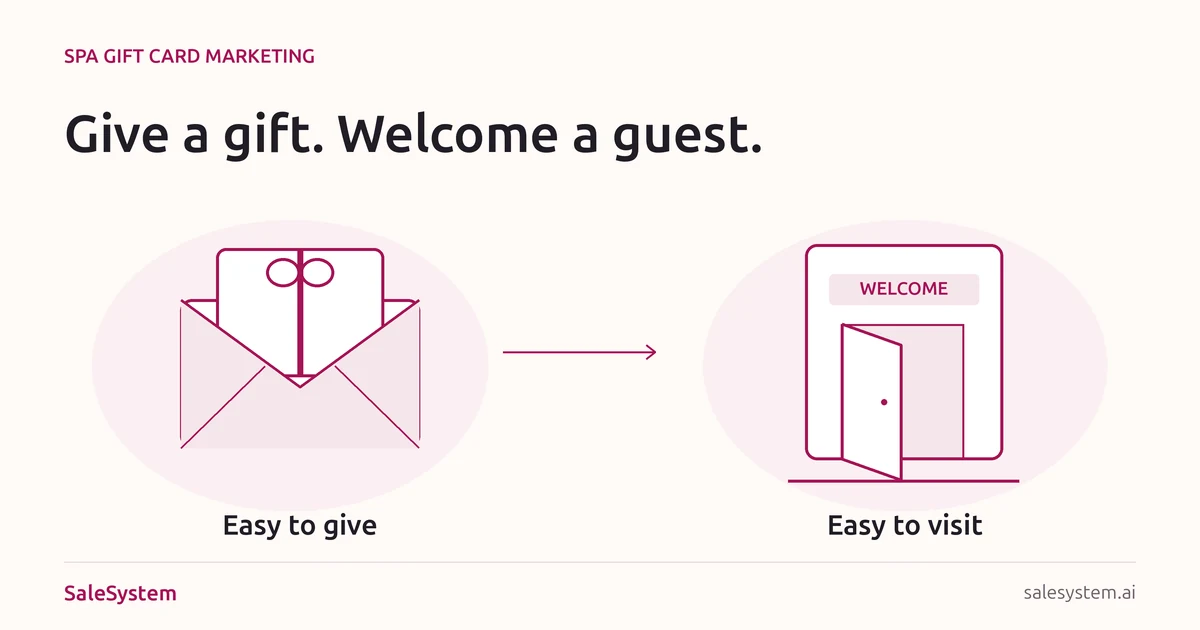
A spa gift starts with two people: someone choosing it and someone who will enjoy it. Help the buyer feel good about the choice. Then give the guest a clear, friendly path to their first visit.
By SaleSystem · · Marketing
Sell a thoughtful gift, not a smaller price
The buyer may not know your service menu. They want to give something the other person will enjoy. Lead with that simple promise: a gift they can choose with confidence and a visit the guest can plan when ready.
This guide is for day spas, facial studios and massage businesses. It covers the offer, messages and booking handoff around your existing gift card program. For your wider plan, see our spa marketing guide.
Five ways to make spa gift cards easier to buy and use
Give the buyer a clear choice
Explain whether you sell a dollar-value gift, a specific service or both. A dollar value lets the guest choose from eligible services. A service gift makes the experience more concrete, but needs clear terms for what it covers.
Show current service prices beside the choices. Say whether taxes, tips or extras are covered. If a service costs more than the gift value, explain how the guest pays the difference. Help the buyer choose without claiming a gift covers a whole visit when it does not.
Put the key details on one page
Show the gift choices, delivery method, accepted locations, how to book and where to ask a question. If you offer a printed card, show the real pickup hours. If you offer digital delivery, explain when and how it arrives.
Use real photos of your space or gift packaging. Put the terms near the purchase button. Have your provider and legal adviser check rules for expiry, fees, refunds and any bonus offer before launch. Keep paid gift value and promotional credit clearly separate.
Give each message one job
A birthday email can focus on an easy gift. A holiday post can explain pickup or delivery. A checkout conversation can help a regular share a favorite experience. Each should point to the same clear gift page.
Choose one useful angle rather than stacking offers. “Let them choose their next massage or facial” is easier to grasp than a bundle of discounts and exceptions. Use a real deadline only when delivery, pickup or an approved offer has one.
Make the recipient’s next step obvious
The gift itself should explain where it works, how to view the terms and how to arrange a visit. Test that booking path on a phone. If the guest must call to use the card, say so before purchase.
Add a friendly help line: “Not sure which visit to choose? Contact our desk at [Business Contact].” A gift should feel welcoming, not like another account to figure out.
Prepare the desk before the promotion
Give staff the current offer, terms, delivery details and approved lookup process. Name the person who handles delivery or balance questions. Try a buyer question and a recipient booking question with sample records before sending the campaign.
Keep card issuance, balances and redemption in your approved gift card system. Use the shared client conversation to record the question and who will help next—not full card numbers or redemption codes.
A spa gift card email you can adapt
Send to an eligible audience that wants your marketing. Replace the brackets with the real offer, use your normal unsubscribe link and check all links on a phone.
Subject: Give them a little time for themselves
Hi [First Name],
Looking for a gift they can look forward to? A [Spa] gift card lets them choose from [Eligible Services] and plan a visit that fits their day.
Choose [Available Values or Service Gifts]. [Accurate Delivery or Pickup Detail].
Explore the gifts: [Gift Page Link]
Not sure what to choose? Reply with your question. We’re happy to help.
[Spa Team]
Invite replies only if someone reads that inbox. For other campaigns, use our spa email marketing examples. Keep appointment reminders and gift offers in separate messages.
A short social post
A thoughtful gift, with time to enjoy it. Explore [Spa] gift cards for [Eligible Services]. Choose [Gift Options], with [Delivery or Pickup Detail]. See the choices and terms: [Gift Page Link].
Use the same price and terms everywhere. A reply about a gift should not send the buyer to an old offer from another season.
The buyer and the guest are different people
Keep the buyer’s purchase help separate from the recipient’s visit. If it is a surprise, use the buyer’s chosen delivery method and timing. Do not send a recipient a sales message just because someone bought a gift for them.
When the buyer asks, “Will it cover a massage?”
Our [Service and Length] is [Current Price]. This gift covers [Exact Value or Service]. [Explain Any Excluded Costs]. You can see all the choices and terms here: [Link]. Would you like help choosing?
When the guest asks, “How do I book with my gift?”
We’d love to welcome you. You can use your gift for [Eligible Services] at [Location]. [Approved Booking Steps]. If you’d like help choosing a visit, tell us which days work for you.
Check the gift through the approved private lookup process. Do not ask for its full code in a public comment. The buyer does not need access to the guest’s appointments or private visit details.
Your gift card launch checklist
- The gift page explains value, eligible services, locations and any extra costs.
- Delivery, pickup and booking steps match what your team can provide.
- The purchase link and recipient booking path both work on a phone.
- Paid value, bonus credit and their terms are clearly separate.
- Marketing goes only to an eligible audience, with a working way to opt out.
- The reply inbox has an owner and a backup during the campaign.
- Staff know where to check issuance, balances and redemption.
- The recipient can find help without sharing a gift code publicly.
A gift purchase is not an appointment
Review purchases, open help requests, recipient bookings and completed visits as separate steps. Use the gift system for value sold and redeemed, and your booking records for visits. If gifts sell but recipients keep asking how to book, fix the instructions before sending a bigger campaign.
Example: a buyer asks for a massage gift and chooses a value. Later, the guest calls about Saturday. Staff check the gift terms, explain the available service and help with the right location. They confirm the visit only once it is saved. Any open balance question gets a named owner instead of holding up a simple scheduling answer.
Put unfinished questions in your front-desk handoff. After the visit, our spa rebooking scripts help you invite the guest back without pressure.
Keep the next reply personal
SaleSystem spa marketing software keeps calls, texts, emails, client history and staff tasks together. Your next teammate can find the gift question and give a helpful answer without starting over.
Start with Marketing for CRM, conversations and follow-up workflows. Add Operations Complete for booking and payments. See spa plans and use your 14-day free trial to try a campaign reply and staff handoff with sample records.
Turn a gift question into a warm welcome
Try SaleSystem free for 14 days. Manage your leads, follow up with clients and book appointments in one place.